
Art for Print: How to Prepare Your Artwork for Custom Merchandise That Looks Brilliant
Learn how to prepare art for print on custom merchandise. Expert tips on file formats, colour modes, resolution, and decoration methods for Australian businesses.

Written by
Stella Kwan
Branding & Customisation
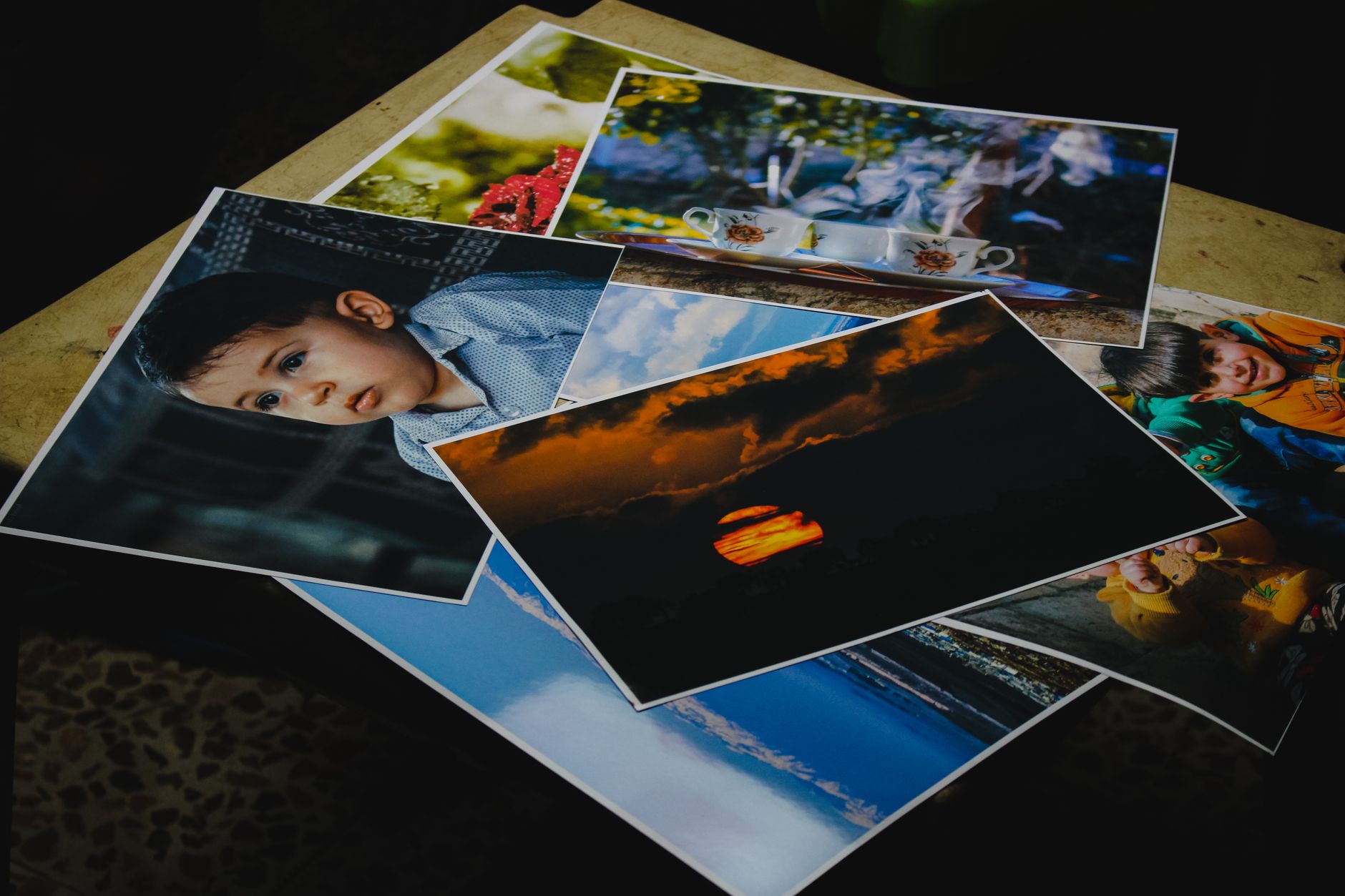
Getting your artwork right before it hits the production floor is one of the most important — and most overlooked — steps in ordering custom merchandise. Whether you’re a Melbourne event organiser sourcing branded tote bags, a Brisbane corporate team ordering embroidered polo shirts, or a Sydney charity preparing conference lanyards, the quality of your final product depends almost entirely on the quality of the art you supply. Substandard artwork leads to blurry prints, mismatched colours, delayed orders, and unexpected setup fees. The good news? With a little preparation and the right knowledge, submitting print-ready art doesn’t have to be complicated.
What “Art for Print” Actually Means in the Promotional Products Industry
In the world of custom merchandise, “art for print” refers to any digital file used to reproduce your logo, design, or branding onto a physical product. This could be a company logo, event graphic, mascot illustration, team crest, or even a simple text-based slogan. Unlike digital assets designed for screens (think social media tiles or website banners), art for print must meet specific technical requirements to ensure it reproduces cleanly and accurately at the intended size and on the intended surface.
Promotional product decorators — whether they’re screen printing stubby holders, laser engraving awards, embroidering workwear caps, or pad printing pens — each have their own requirements. Understanding these requirements upfront saves time, money, and a lot of back-and-forth emails.
The Difference Between Screen-Based and Print-Ready Files
This is where many first-time buyers come unstuck. A logo that looks crisp on your iPhone screen or website header may be completely unsuitable for print. That’s because screens display images using pixels and light (RGB colour mode), whereas printing uses physical ink, thread, or laser on physical substrates (typically requiring CMYK or spot colour references).
When you supply a low-resolution JPEG exported from a PowerPoint file, your decorator’s pre-press team will either ask you to resubmit, charge you an artwork redraw fee, or — in the worst case — print something that looks disappointingly soft or pixelated. No one wants to unwrap a box of branded notebooks only to find the logo looks like it was printed in the rain.
File Formats: What to Use for Art for Print
Choosing the correct file format is the single biggest factor in artwork quality. Here’s a breakdown of what promotional product suppliers in Australia typically require:
Vector Files — The Gold Standard
Vector files are the preferred format for almost every decoration method used in promotional merchandise. Unlike raster (pixel-based) images, vectors are built from mathematical paths and shapes, meaning they can be scaled up or down infinitely without any loss of quality. Your logo can go from a 3cm chest print to a full-back banner without a single pixel going fuzzy.
Accepted vector formats include:
- .AI — Adobe Illustrator (industry standard)
- .EPS — Encapsulated PostScript (widely compatible)
- .PDF — When created from vector software, not exported from Word or Canva
- .SVG — Scalable Vector Graphics (increasingly accepted)
If your business or organisation doesn’t have vector artwork, this is the ideal time to invest in having your logo professionally redrawn. It’s a one-time cost that pays dividends across every piece of branded merchandise, signage, and printed collateral you’ll ever order.
Raster Files — When They’re Acceptable
Raster files (JPEGs, PNGs, TIFFs) are pixel-based and only suitable for print when supplied at sufficiently high resolution. As a general rule, artwork intended for full-colour digital printing should be at least 300 DPI (dots per inch) at the intended print size. If you’re printing a design at 20cm wide, the file must be at least 300 DPI at that exact size — not 300 DPI at thumbnail size.
PNG files with transparent backgrounds are particularly useful for digital and sublimation printing, as they allow your decorator to position the design cleanly without white bounding boxes showing up around your logo.
Colour Modes and Colour Matching
Colour accuracy is a topic that trips up even experienced buyers. There are two primary colour systems relevant to art for print:
CMYK vs RGB
- RGB (Red, Green, Blue) is used for screens and digital displays. It can produce vivid, saturated colours that simply cannot be replicated with physical inks.
- CMYK (Cyan, Magenta, Yellow, Black) is the standard for most commercial printing processes. When you supply RGB artwork, there will almost always be a colour shift during conversion.
For best results, ask your graphic designer to supply artwork in CMYK mode, or convert it before submission.
PMS (Pantone Matching System) Colours
For decoration methods like screen printing, pad printing, and embroidery, PMS colour matching is the gold standard for brand consistency. PMS (Pantone) is a standardised colour system used globally, which means a decorator in Perth and one in Hobart can produce the exact same shade of your corporate blue.
If your brand has established PMS colours — and it should — always include these references with your artwork. For embroidery specifically, thread colours are matched to the nearest Pantone equivalent, so providing the reference gives your decorator the best chance of matching your brand accurately.
For more on how decoration method affects colour outcomes, our guide to screen printing services for promotional products in Brisbane explains the process in excellent detail.
Artwork Requirements by Decoration Method
Different printing and decoration techniques have different artwork needs. Here’s a quick reference guide:
Screen Printing
Screen printing works best with vector artwork and a limited colour palette. Each colour in your design requires a separate screen, which is why spot colour counts directly impact setup fees. Complex gradients and photographic images are generally not suited to screen printing — they require a halftone or simulated process technique, which adds complexity and cost.
If you’re ordering tee shirts printed for your team or event, confirm the number of colours in your artwork before requesting a quote. Simplifying your design to two or three spot colours can significantly reduce setup costs.
Embroidery
Embroidery has unique artwork requirements because thread behaves differently to ink. Fine lines, small text under 5mm in height, and complex gradients are difficult or impossible to replicate in thread. Artwork needs to be converted into a digitised embroidery file (typically a .DST or .EMB file), which is a separate process performed by a specialist.
When ordering embroidered caps, polos, or workwear, ask your supplier about digitising fees — this is usually a one-off setup cost, and the file is retained for future orders.
Sublimation
Sublimation is a full-colour, all-over printing method ideal for polyester garments and hard substrates like mugs and drinkware. It accepts CMYK raster files at high resolution and can reproduce photographic imagery and complex gradients beautifully. See how this works in practice by reading our promotional drinkware case studies from across Australia.
Laser Engraving
Laser engraving burns or etches your design directly into the surface of the product, removing the need for ink or colour matching entirely. It works best with simple, clean vector artwork — ideally single-colour logos without fine detail. This method is popular for premium corporate gifts, awards, and stainless steel drinkware.
Pad Printing
Pad printing transfers ink via a silicone pad onto irregular surfaces like pens, stubby holders, and small accessories. Like screen printing, it works best with simple vector artwork and a limited colour count.
Common Artwork Mistakes to Avoid
Even experienced marketing managers can fall into these traps when preparing art for print:
- Supplying a logo screenshot or low-res PNG from a website — these are typically 72 DPI, far below print standard
- Providing artwork with fonts that haven’t been outlined or embedded — if your decorator doesn’t have the same font installed, the text will reflow or substitute incorrectly
- Using RGB colours without noting intended brand colours — conversion to CMYK can cause significant colour shifts, especially with vibrant purples, oranges, and neons
- Forgetting to account for print area dimensions — check your supplier’s template or print area spec sheet before finalising your layout
- Supplying artwork with too much complexity for the decoration method — a photographic gradient works on a sublimated water bottle but not on a screen-printed cap
Speaking of keeping your brand consistent across products, our post on how to increase brand awareness through promotional products is worth a read if you’re building a broader merchandise strategy.
Working With Your Supplier’s Art Team
Most reputable Australian promotional merchandise suppliers have an in-house art team or pre-press department that can help prepare your files. If your artwork isn’t print-ready, they’ll typically offer:
- Artwork redraws — converting a raster logo into a clean vector (usually $30–$80 depending on complexity)
- Colour separation for screen printing
- Embroidery digitising (typically $30–$60 as a one-off setup fee)
- Mock-up proofs — digital visualisations showing your artwork on the product before production begins
Always review your proof carefully before approving it. Check spelling, colour representation, positioning, and sizing. Once you approve a proof and the order goes to print, changes are rarely possible without additional cost.
For further reading on managing the broader ordering process, our articles on how to manage promotional product inventory efficiently and how to create effective promotional product gift sets offer practical guidance for organisations with ongoing merchandise needs.
Building a Reusable Artwork Library
If your organisation regularly orders branded merchandise — whether that’s personalised lanyards, promotional notebooks, microfibre towels, or promotional earbuds — it’s well worth maintaining a centralised, organised artwork library. Store all approved print files, embroidery digitised files, colour references, and past order specifications in a shared folder accessible to anyone who manages procurement.
This saves significant time on repeat orders and ensures brand consistency across departments, states, and suppliers. For organisations managing multiple product categories — say, a national company coordinating merchandise across offices in Adelaide, Darwin, and the Gold Coast — a well-maintained art library is genuinely invaluable.
Other product categories that benefit from having ready-to-go print artwork include personalised hard hats for construction and trade businesses, personalised laundry bags for accommodation and hospitality operators, personalised ribbons in Melbourne for events and ceremonies, and plant-based marketing giveaways for sustainability-focused brands.
Conclusion: Key Takeaways for Preparing Art for Print
Getting your artwork print-ready doesn’t require a design degree — but it does require a basic understanding of what your decorator needs and why. Here’s a summary of what to remember:
- Always supply vector artwork where possible — .AI, .EPS, and properly-created PDFs are the gold standard for clean, scalable art for print
- Match your colour mode to the decoration method — use CMYK for print, supply PMS references for spot colour processes like screen printing and embroidery
- Confirm artwork requirements before designing — check print area dimensions, colour limits, and file format preferences with your supplier early in the process
- Build a reusable artwork library — store all approved print files, digitised embroidery files, and colour references centrally to streamline future orders
- Review every proof carefully before approving — it’s the last checkpoint before your artwork becomes a physical product, so check every detail thoroughly
Whether you’re ordering your first run of branded merchandise or you’re a seasoned procurement manager, investing a little time in preparing quality art for print is one of the smartest things you can do for your brand’s reputation — and your budget.